Blixye is in development — you can’t sign up or buy services yet.
← ER:LC

ER:LC · ACTIVITY
Staff activity
You know who carries the server without opening a spreadsheet. Quotas measure themselves, shifts log when someone goes on duty, and every week the summary lands in the staff channel.
How it works
01
Set the quota per rankHours, actions or both. Once and done.
02
Shifts log themselvesWhen they go on duty in the CAD. Approved leave too.
03
The report arrives on SundayWho met quota, who did not and who has been missing for three weeks.
What is included
✓Quotas per rank with warnings
✓Automatic shifts and sessions
✓Approved leave
✓Weekly report to the staff channel
Nothing else to configure: as soon as the CAD is running, activity measures itself.
Other modules
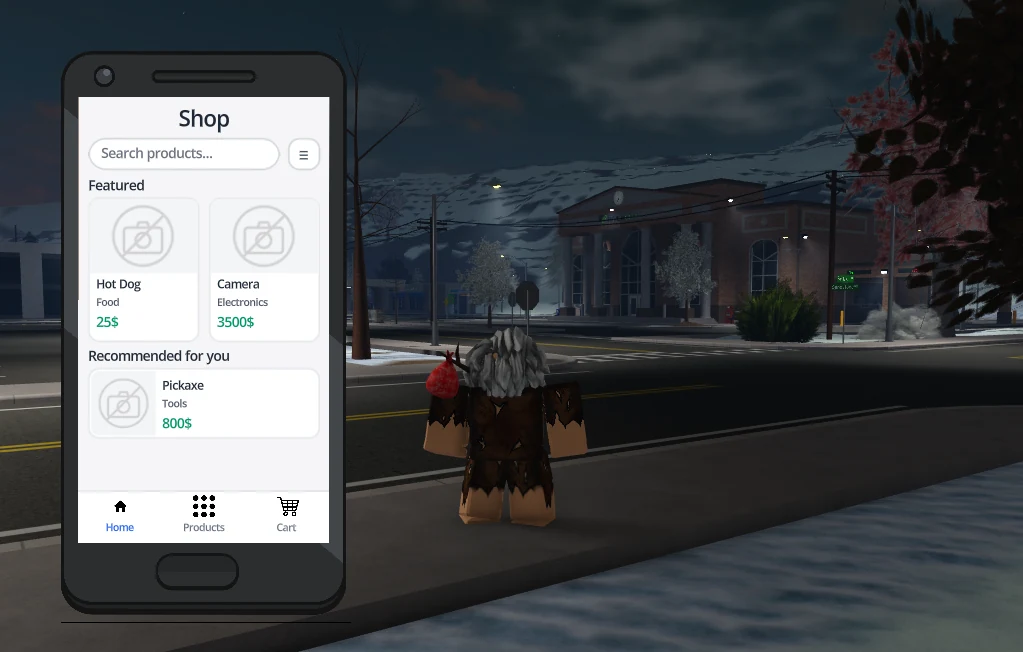
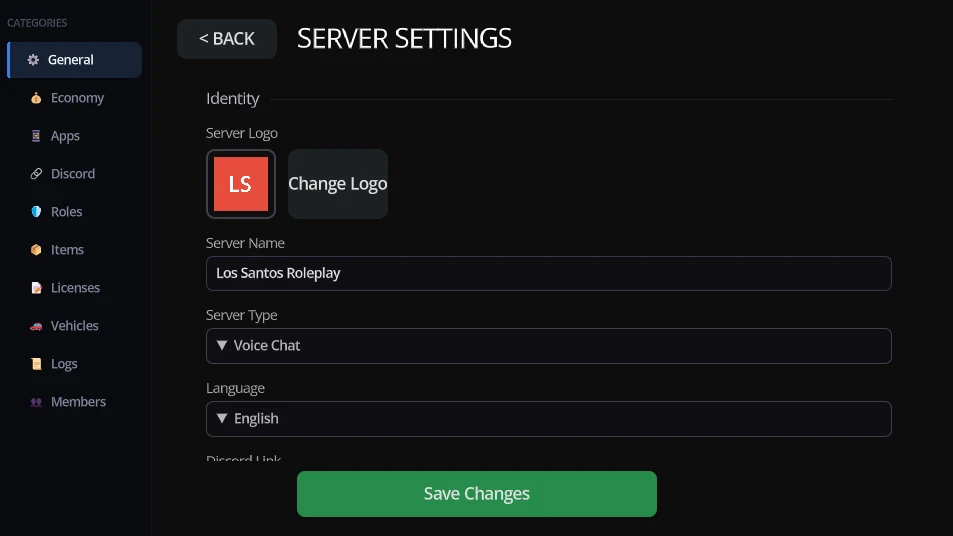
STEP 1 · PLAN
×
Pick your server's plan
After payment you name it and we configure it together. You can change plan whenever you like.
FREE1 OF 1 LEFT
Up to 500 characters and basic CAD. To try it.
0 €
PLUSMONTHLY
Full CAD, moderation, activity and economy.
5,99 €
PREMIUMER:LC & FIVEM
Everything in PLUS, FiveM included and higher limits.
12,99 €
ENTERPRISEPERMANENT
All of PREMIUM forever, self-hosted, never a fee.
Contact
Continue to payment
Cancel any time · 14-day withdrawal right, unless you ask to start straight away
Confirm and pay
Back
In development — unavailable
Blixye is in development: services can’t be purchased yet.
Name your server
This is the name your players see in the launcher and on Discovery. You can change it whenever.
SERVER NAME
It gets a short code, like SKY-T2Q, to link the launcher.
NEXT
Once created we open the setup guide: launcher, Discord and modules in three steps.
Back
Create the server
Type at least 3 characters.
STEP 1 OF 3 · GUIDE
×
1. Send your people the launcher
It is the only thing they install, and only once. They sign in with Discord, we verify their Roblox account and the overlay shows over the session.
Go to the download
2. Create your departments
Police, sheriff, fire or whatever you run. Each with its ranks and permissions: that decides who can punish, clock in or read records.
3. Open the server
With the first duty shift the calls, activity and economy start filling up. From there you just tune it.
Back
Next
What each plan includes
×
FREE
DISCORD
PLUS
PREMIUM
ENTERPRISE
Price
Free
2,99 €/mo
5,99 €/mo
12,99 €/mo
Contact
GENERAL
Characters stored
500
—
5000
∞
∞
Custom invite code
—
✓
✓
✓
✓
CAD
Max corporations
2
—
6
∞
∞
Max subdivisions
0
—
6
∞
∞
MDT data wipe
1 month
—
1 year
Never
Never
MDT access
Complete
—
Complete
Complete
Complete
Logs history
7 days
—
90 days
∞
∞
Data export
—
—
✓
✓
✓
Investigations
—
—
✓
✓
✓
Evidence storage
—
—
Unmetered
Unmetered
Unmetered
Custom laws
50
—
150
∞
∞
Real-time map
—
—
✓
✓
✓
Bodycam
—
—
✓
✓
✓
Realtime map location
—
—
✓
✓
✓
Advanced search
—
—
✓
✓
✓
Radio channels (Discord VC)
10
—
50
100
∞
Roles per corporation
15
—
50
∞
∞
BANK
Bank accounts
1 per char
—
3 per char
6 per char
12 per char
Transfers
✓
—
✓
✓
✓
Transaction history
✓
—
✓
✓
✓
Cards per account
1
—
2
3
5
Timed cards
Fixed durations
—
✓
✓
✓
Usage-based cards
—
—
Max 5 per char
✓
✓
Role rewards
✓
—
✓
✓
✓
Allow negative balance
—
—
✓
✓
✓
Scheduled transfers
—
—
✓
✓
✓
Player debts
—
—
✓
✓
✓
Per-operation limits
—
—
✓
✓
✓
Shared accounts
Max 2 members
—
Max 5 members
∞
∞
ADMIN
Player heatmap
—
—
✓
✓ more precise
✓ more precise
Max forms
3
5
10
∞
∞
Your server on the phone
—
—
✓
✓
✓
Max admin roles
owner +2
owner +5
owner +10
∞
∞
Priority support
—
✓
✓
✓
✓
Staff audit log history
7 days
30 days
90 days
∞
∞
Beta features
—
✓
✓
✓
✓
Create server
Character and storage addons stack on any plan.
Cookies
ESSENTIAL ONLY
We only use the essential ones: your session, sign-in security and your language. There is no analytics and no advertising, so there is nothing to accept or reject.
Got it